
Debugging & Support
When you need help, the Debugging tab gathers the right information so support can diagnose the issue quickly. Open it at Omnalingo → Settings → Debugging.
Export a problem page for support
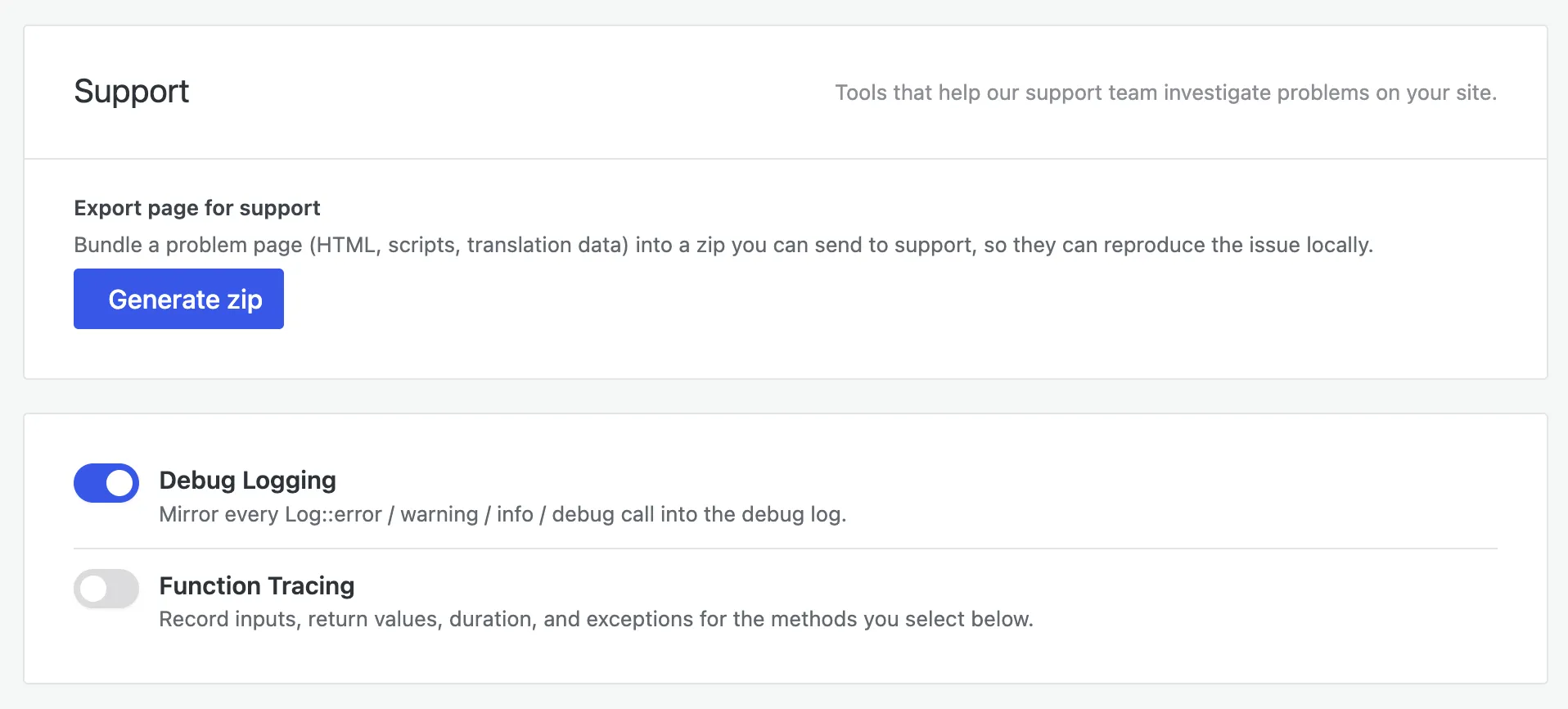
Section titled “Export a problem page for support”The fastest way to report a hard-to-reproduce issue. Under Export page for support, click Generate zip — Omnalingo bundles the problem page (its HTML, scripts, and translation data) into a zip your support team can load and reproduce locally. Attach it to your message instead of trying to describe the symptom.
Debug Logging
Section titled “Debug Logging”Debug Logging (on by default) mirrors Omnalingo’s internal events — errors, warnings, and info — into the debug log, shown in the viewer at the bottom of the tab. Use its Copy button to paste the recent log into a support message, or Clear to start a clean capture before reproducing a problem.
Function Tracing
Section titled “Function Tracing”Function Tracing (off by default) records the inputs, outputs, and timing of specific internal methods. It adds overhead, so only turn it on when support asks you to trace a particular operation.
Locking debug tools on production
Section titled “Locking debug tools on production”To guarantee the debug tools can’t be switched on — even accidentally — on a production
site, add this to wp-config.php:
define( 'OMNA_DISABLE_DEBUG', true );With this defined, the Debugging tab is inaccessible and all debug features stay off.
Contacting support
Section titled “Contacting support”These docs are open to everyone; customers with an active AI Translation Service get direct email support. Include your Generate zip bundle (or the copied log) and a short description of what you did and what you expected — that’s usually all support needs to get started.