
Excluding Content from Translation
Some content should always stay in its original language — code samples, live-chat widgets, user-generated reviews, brand-specific markup. Omnalingo lets you exclude those elements so they’re never translated.
CSS selector exclusions
Section titled “CSS selector exclusions”Go to Omnalingo → Settings → Advanced → Exclusions. Add one CSS selector per line — a class, an id, or a short descendant or child chain. Any element that matches (and everything inside it) is skipped entirely.
Valid examples:
#admin-area.author.reviews .author.reviews > .author.date span.date span.time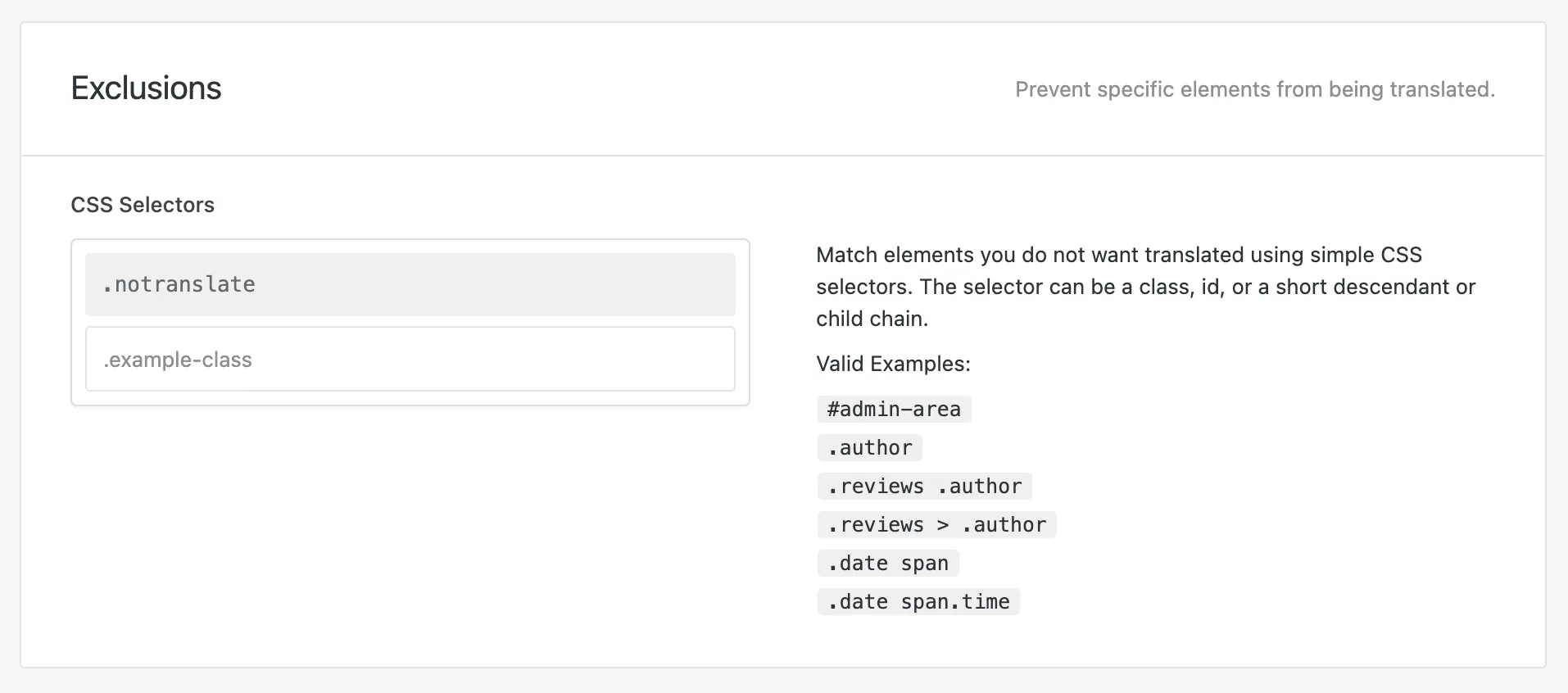
The .notranslate class is excluded out of the box — add it to anything you want
left alone and it’s skipped automatically, no selector needed. Add your own selectors
for everything else.
Click Save All Changes when you’re done.
Exclusions vs. the glossary
Section titled “Exclusions vs. the glossary”These solve different problems — use whichever fits:
| CSS selector exclusion | Glossary “never translate” | |
|---|---|---|
| Scope | A whole element and everything inside it | A specific word or phrase |
| Applies to | Existing and future translations (takes effect immediately) | Future translations only (re-translate to apply) |
| Best for | Skipping a widget, section, or block entirely | Keeping a brand or technical term untranslated within otherwise-translated text |
| Where | Settings → Advanced | Settings → AI Settings → Glossary |
Related
Section titled “Related”Exclusions control what’s kept out. To control what gets included — content types, manually added URLs, which user roles are read, and credentials for password-protected sites — see Choosing What Gets Translated.