
XLIFF Export & Import
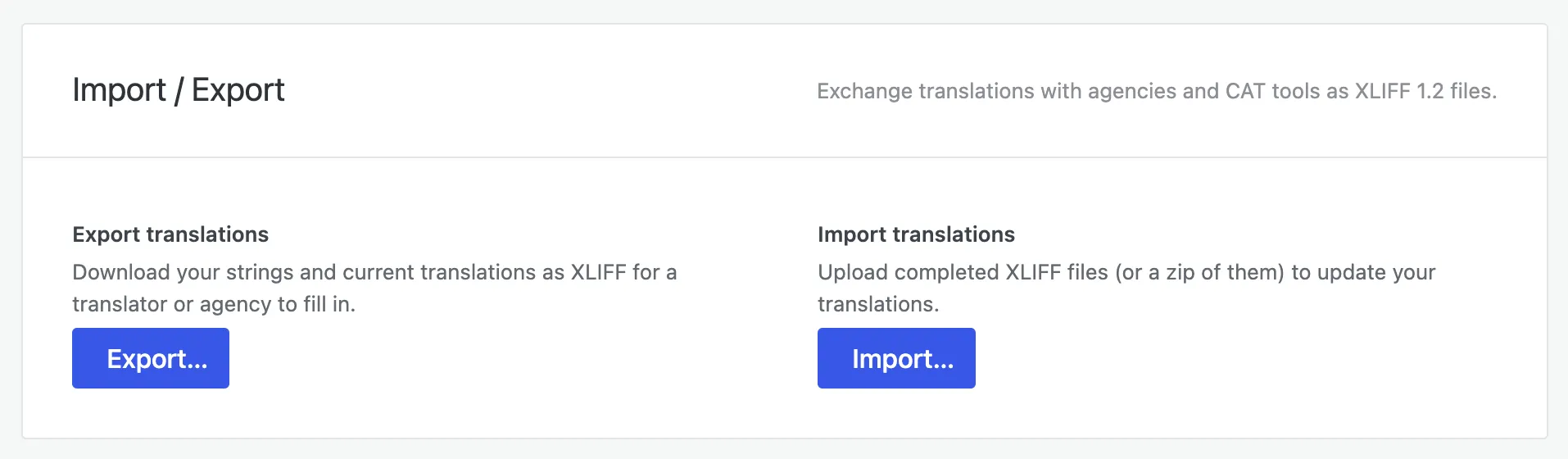
When you’d rather have a professional agency or a CAT tool produce your translations, Omnalingo exports your content as XLIFF — the standard translation-exchange format agencies and tools understand — and imports the finished files back in.
You’ll find this in the Import / Export panel in Settings. It exchanges translations as XLIFF 1.2 files.
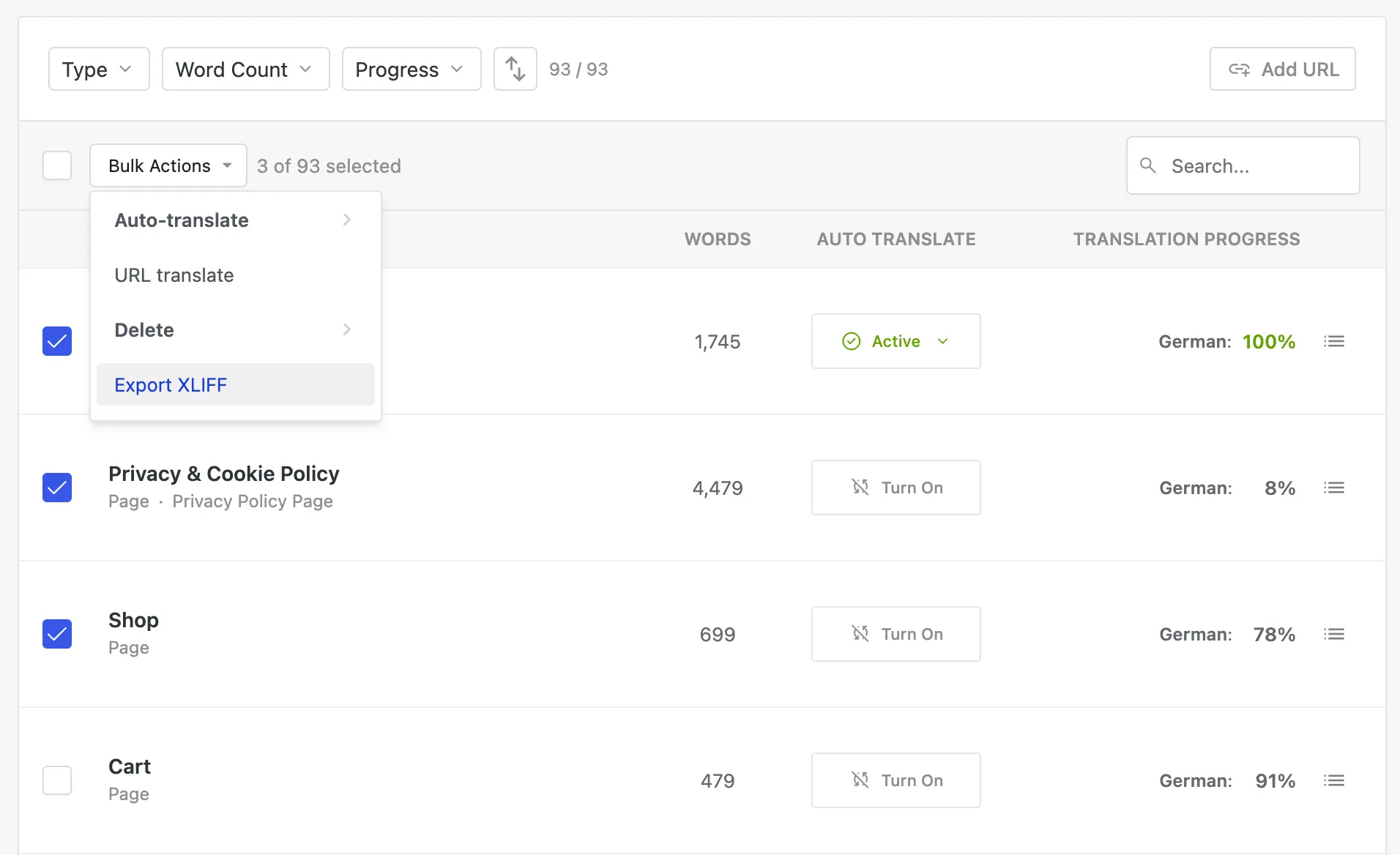
You can also export straight from your content lists — the Sitemap, Full Text List, or a page’s string list. Select the entries you want, open Bulk Actions, and choose Export XLIFF to export just that selection.
Export
Section titled “Export”Use Export to download your strings and current translations as XLIFF, ready for a translator or agency to fill in. Hand them the file; they translate it in their own tools.
Import
Section titled “Import”When the translated files come back, use Import to upload them — a single XLIFF file, or a zip of several — and Omnalingo updates your translations to match.
When to use it
Section titled “When to use it”- You work with a professional translation agency or a freelance translator who uses their own software.
- Your team uses a CAT tool (for translation memory, terminology, QA) and wants to keep that workflow.
- You need a portable backup of your translations in a standard format.
For translators you’d rather give direct access to instead, see Translator Accounts.