If you want the quick answer: choose Omnalingo if you want a fast, modern WordPress site where you design layouts once, avoid database clutter, and never have to watch a word meter. Choose WPML if you run a large translation-management workflow with job queues and agency translators, or if you need fundamentally different page layouts in each language.
For more than fifteen years, WPML (WordPress Multilingual) has been the default recommendation for multilingual WordPress websites. If you have been in the WordPress ecosystem for any length of time, you have almost certainly used it. It is reliable, heavily documented, and supported by nearly every major theme and plugin on the market.
Yet over the past few years, we have seen a growing sense of frustration among WordPress creators. As websites shifted toward modern page builders and AI translation models, WPML’s legacy foundation began showing its age: duplicated database records, large string translation tables, and pay-per-word automatic translation. WPML was engineered in 2009 for human translation agencies; Omnalingo was built from scratch for the AI era.
This article is an honest, practical comparison between the two plugins. We will examine how their architectures differ, how they handle page builders, what they actually cost over three years, and when each tool is the right choice for your project.
The Quick Verdict: Which One Is Right for You?
Before diving into database tables and pricing math, here is a high-level summary of how the two plugins compare across the core criteria that matter most to site owners:
| Comparison Factor | WPML (The Veteran Standard) | Omnalingo (The Modern Alternative) |
|---|---|---|
| Core Architecture | Duplicates posts, pages, and terms into separate database rows for each language. | Single master layout; translates rendered text without duplicating content rows. |
| Page Builder Experience | Translates duplicated layouts through its translation editor, with String Translation for builder and theme texts. | Build your layout once; all elements and modules translate automatically. |
| Automated Translation | Automatic translation is sold per word (pay as you go, with a monthly free allowance); edits to already-paid content are free unless the word count grows. | Free plugin plus a flat-priced AI Translation Service: no word meter, publishing more does not cost more. |
| Database Footprint | Adds its own icl_ tables and one post row per translated item. |
Zero post duplication; lightweight database cache that stays lean. |
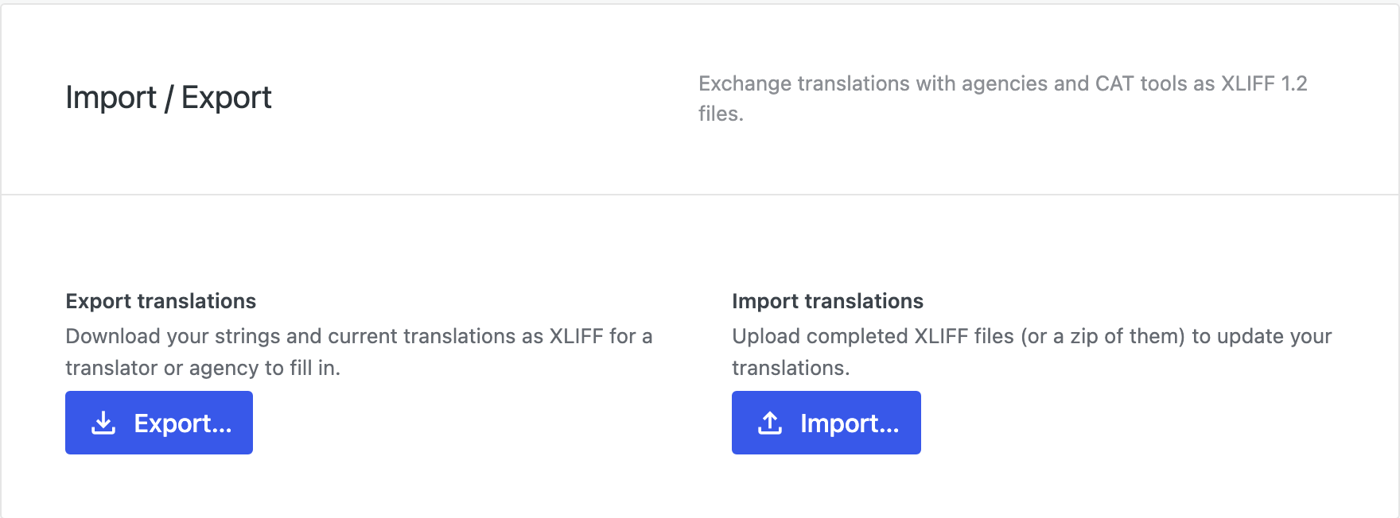
| Human Agency Workflows | Extensive job queues, translator user roles, and XLIFF export for CAT software. Omnalingo also offers a translator role and XLIFF 1.2 import/export. | Translator role and XLIFF 1.2 import/export, plus a visual Live Editor and string overrides designed for direct site owners. |
Database Architecture: Single Source vs Post Duplication
The biggest difference between WPML and Omnalingo is something you cannot see on your frontend: how they store translated content inside your WordPress database.
When WPML was created over a decade ago, WordPress had no built-in concept of multilingual content. To solve this, WPML adopted a duplication model. When you write a blog post in English and translate it into German, Spanish, and French, WPML creates four separate rows in your wp_posts table. It then creates duplicate entries in wp_postmeta, duplicates your taxonomies in wp_terms, and links everything together using a network of custom database tables prefixed with icl_ (such as icl_translations, icl_languages, and icl_strings).
For a small website with 20 pages, this duplication is harmless. But as your site expands, post duplication creates massive database clutter and severe layout drift. Consider an active company site with 300 pages, 500 blog posts, and 200 WooCommerce products. Translating that site into four languages multiplies your content into 4,000 separate post records, each with its own metadata.
The practical consequence is layout drift. When you update a column width, replace a banner image, or adjust an icon box on your English page, those design changes do not automatically propagate to your translated pages. WPML offers tools to sync layouts between translations, but because each translation is its own post, design changes still need to be carried across and checked.
Omnalingo takes a fundamentally modern approach: your original page remains the single source of truth. You design your page once in your preferred builder or block editor. Omnalingo stores translations in its own tables in your database. When a visitor requests the German or Spanish version, Omnalingo serves your exact master layout with the translated text seamlessly swapped in. Your database stays lean, and your designs stay in sync because there is only one layout.
Per-Word Pricing Versus Flat AI Pricing
Both plugins offer automated translation, but the way they package and deliver machine translation could not be more different.
WPML treats automated translation as a metered utility. You pay an annual subscription for the plugin, and automatic translation is then sold per word on a pay-as-you-go basis. WPML includes a monthly allowance of free words (500 at the time of writing, and its Multilingual CMS plan includes 22,500 AI words), and editing content you have already paid for is free unless the word count grows. Translating 100,000 words costs at most about €182, according to WPML’s current pricing.
That is a fair model, but it is still a meter. Every new page, product or landing page adds words to translate, so your automatic translation bill grows with the amount you publish.
Omnalingo has no word meter. The plugin itself is free, with every feature and unlimited languages. The only paid product is the AI Translation Service: €96 a year (excl. VAT), which includes one AI language. Each extra AI language is a one-time purchase of €39 (€29 at the current launch price) with no recurring fee. Publishing more does not cost more. There is a fair-use ceiling of 1,000,000 AI words per language per year (about Shakespeare’s complete works), and almost no site comes close; if yours does, contact us.
Page Builders and String Translation
If you build websites using modern page builders like Enfold’s Avia Layout Builder, Bricks, Elementor, or Divi, your translation workflow depends heavily on how cleanly your plugin handles builder markup.
Because page builders store layout settings, column grids, and design parameters inside shortcodes or serialized JSON data, legacy plugins struggle to separate design from text. In WPML, texts from themes, plugins and some builder elements are handled through the “String Translation” screen, which can become long on large sites and requires you to work with strings outside the page they appear on. Omnalingo takes a different route: you edit translations in the context of the page itself.
Omnalingo avoids that detour by translating rendered text directly. Whether a headline lives inside an Enfold special heading, an accordion toggle, a Bricks pricing table, or a WooCommerce checkout notice, Omnalingo extracts the readable text cleanly. The underlying shortcodes, HTML containers, and layout rules remain untouched. (For a step-by-step walkthrough of how this works on builder sites, see our guide on how to translate an Enfold site into any language).
Real Pricing Compared Over Three Years
When comparing plugin pricing, looking only at the initial checkout price on day one is misleading. The real cost of a multilingual plugin is the total cost of ownership over several years as your content volume grows.
Let us compare a typical business website: a corporate WordPress site with roughly 50,000 words, translated with AI into two additional languages (German and Spanish), which is 100,000 translated words in year 1. Our assumptions: about 10,000 new words a year are added afterwards, WPML renews at its list price, and we count WPML’s automatic translation at the worst case of about €182 per 100,000 words (the included 22,500 words and monthly free words would lower it). All prices are in euros, excl. VAT.
| Cost Category | WPML (Multilingual CMS) | Omnalingo |
|---|---|---|
| Software, 3 years | €297 (3 x €99) | €0 (free plugin) |
| AI service, 3 years | Not applicable | €288 (3 x €96, includes one AI language) |
| Second AI language | Included in the per-word price | €29 once (launch price; €39 regular) |
| Initial translation (100k words) | Up to about €182 | Included in the service |
| New content (about 10k words a year) | About €36 over two years | Included in the service |
| Estimated 3-year total | About €440 to €520 | €317 (€327 at the regular price) |
In this scenario WPML costs roughly €120 to €200 more over three years, and the gap grows the more you publish. WPML only charges for new words (edits to content you already paid for are free unless the word count grows), but that still means every new blog post, case study, or product adds to your bill. With Omnalingo, your annual cost stays at the €96 service renewal, and an extra AI language is paid once. If you translate by hand instead of using AI, Omnalingo costs nothing at all. (See our detailed breakdown on what multilingual WordPress actually costs for an expanded four-year analysis).
Want to compare costs across the whole ecosystem? Test our interactive Translation Plugin Cost Comparison Calculator to model different scenarios: adjust your site word counts, target languages, and renewal horizon to compare real 1-year and 4-year expenses across WPML, Weglot, TranslatePress, and Omnalingo.
When You Should Choose WPML Instead
We believe in absolute honesty when reviewing software. WPML has been around for fifteen years for good reason, and there are specific scenarios where WPML is genuinely the better choice for your website.
- You run a large translation-management workflow: If your organization has in-house translators or an agency that works through job assignment queues, WPML’s Translation Management module is more elaborate than what Omnalingo offers. Omnalingo does include a translator role and XLIFF 1.2 import/export for CAT tools, which covers simpler agency handovers.
- You need completely different layouts per language: Because WPML duplicates pages into separate posts, you can build a completely different visual design for each language. If your German page requires a video showcase and three extra testimonial sections that should not exist on your English page, WPML’s post duplication makes that possible.
- Your site depends on legacy custom code tied to WPML hooks: Some themes and custom plugins call WPML functions like
icl_object_id()orwpml_object_iddirectly in their PHP templates, and that code needs WPML to keep working. If refactoring that legacy code is cost-prohibitive, staying on WPML avoids developer hours.
If your project falls into one of these three enterprise categories, WPML remains an exceptional, battle-tested tool that will serve you well.
When Omnalingo Is Clearly the Better Choice
For the vast majority of everyday WordPress site owners, businesses, digital agencies, and freelance developers, WPML’s overhead is more trouble than it is worth. Omnalingo is the clear winner for anyone who wants a fast, automated, and easily maintainable multilingual website.
Here is why modern site owners choose Omnalingo:
- Build once, translate everywhere: You design your pages in your favorite builder, and the layout stays identical across every language with zero duplicate editing.
- Clean database with zero bloat: Your
wp_poststable does not quadruple in size, and your database stays fast and responsive. - No word meter: Flat AI pricing means you never have to budget for individual words.
- Quick setup wizard: Pick your languages and your switcher in a few minutes without consulting developer documentation.
- Full database ownership: All translations live in your own WordPress database, and you can export them as XLIFF 1.2.
Frequently Asked Questions About Migrating from WPML
Will switching from WPML to Omnalingo lose my rankings?
No, provided you maintain your existing URL structure. If your WPML site uses standard subdirectories (like /de/ or /es/), configuring Omnalingo to use the same language slugs ensures search engines continue indexing the exact same URLs. Omnalingo automatically handles hreflang link tags and canonical headers to protect your search equity. For comprehensive URL architecture tips, read our 2026 multilingual WordPress guide.
Does Omnalingo support existing WPML compatible themes?
In almost all cases, yes. Omnalingo works with any theme or builder, because it translates the rendered frontend HTML and standard gettext strings (the __() and _e() functions). The exception is custom code that calls WPML functions such as wpml_object_id: that code needs WPML and has to be adjusted.
How difficult is it to migrate away from WPML?
Migrating away from WPML is surprisingly straightforward. Because WPML’s duplicate posts can clutter your database, the cleanest process is to deactivate the WPML plugin suite first, deal with the duplicate language posts (export or archive them, and redirect their old URLs), and then activate Omnalingo. The wizard sets up your languages, and Omnalingo then translates your original primary-language pages. AI translation of the full site needs the AI Translation Service (or the free 2,000 AI words for a small test), while manual translation is always free.
Ready to leave duplicate layouts and word meters behind? Try Omnalingo today and see how effortless modern multilingual WordPress can be. Have questions about your specific site setup? Reach out to us via our contact form and our team will be happy to help.