Live before your coffee's cold
Two minutes to set up.
Twenty to translate everything.
- Install, activate, and the wizard opens itself
- Four steps: content, languages, key, AI style
- No external API keys to wire up
- Change any of it later in Settings
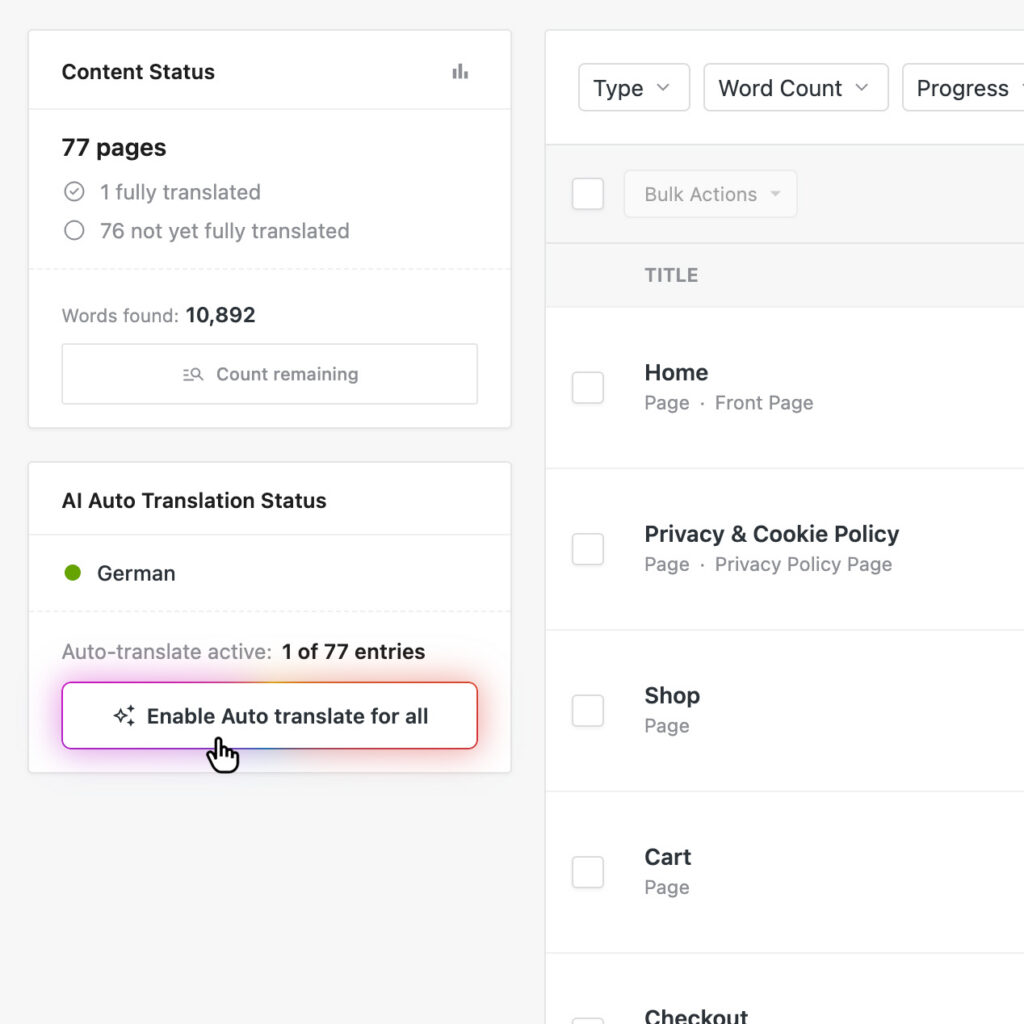
- One click translates the whole site
- Nothing to configure per theme or builder
wp-admin/omnalingo
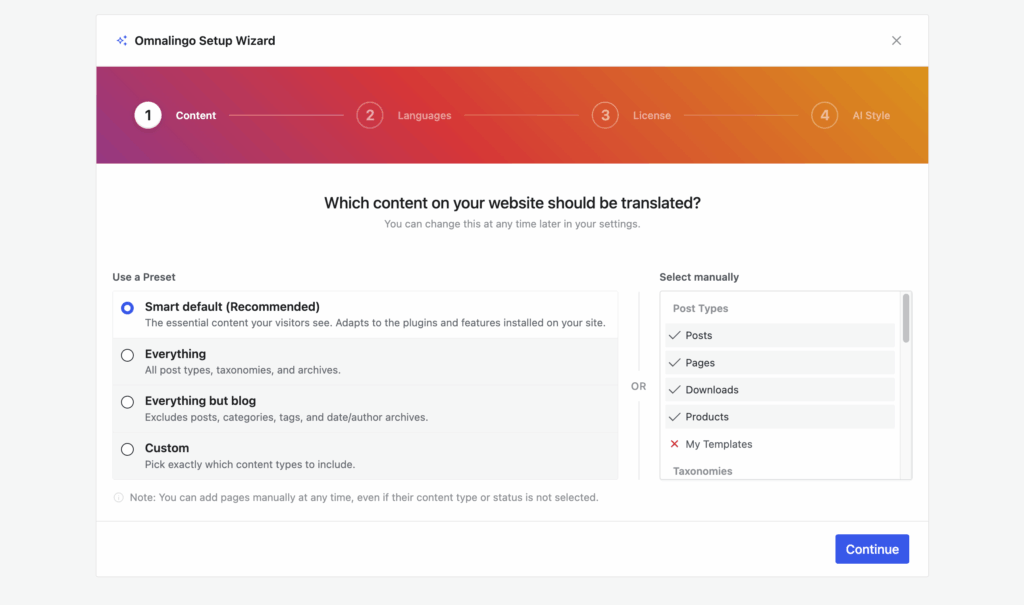
The wizard opens itself
Activate the plugin and setup starts on its own. Choose what to translate and which languages — and change your mind later in Settings.
Connected in one click
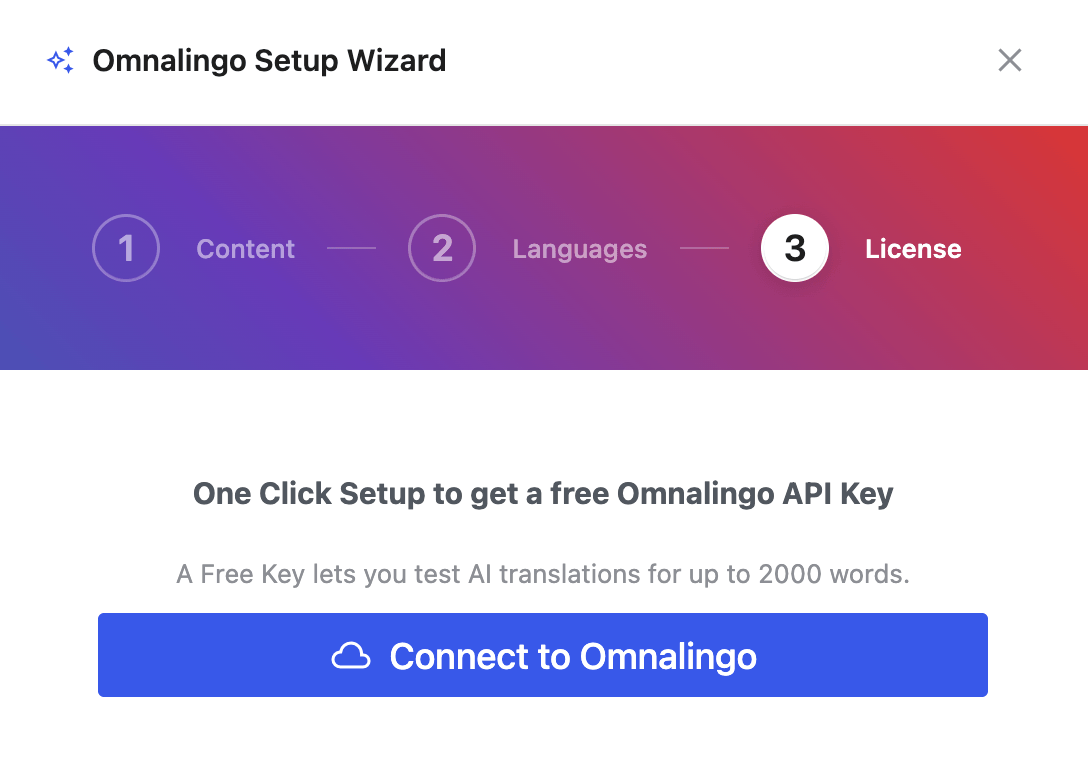
No registration to get going: one click issues your key and connects the site, then you can fine-tune how the AI writes.
One click, every language
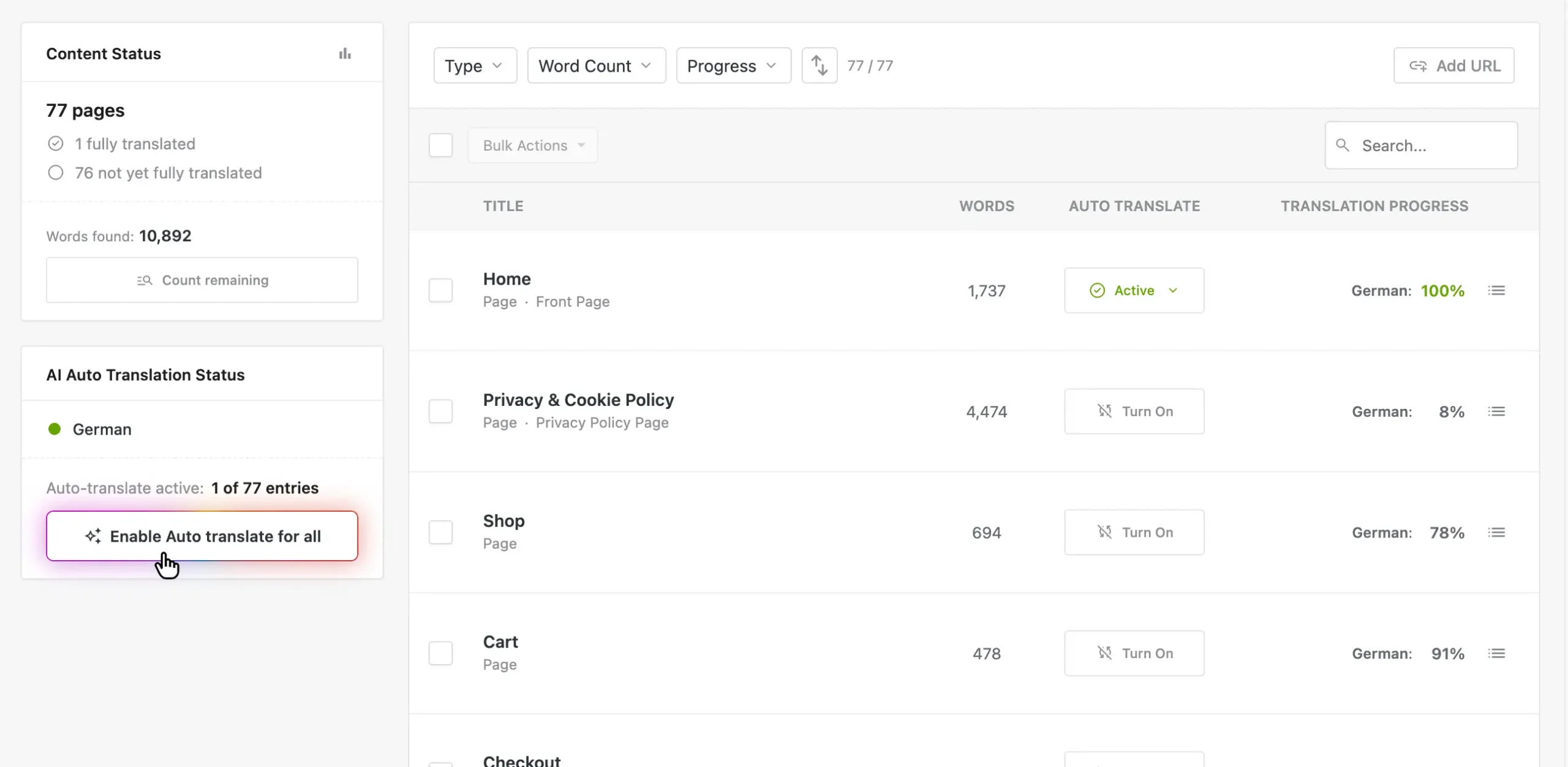
Turn on auto-translate and the whole site goes. No queues to manage, no per-page babysitting.
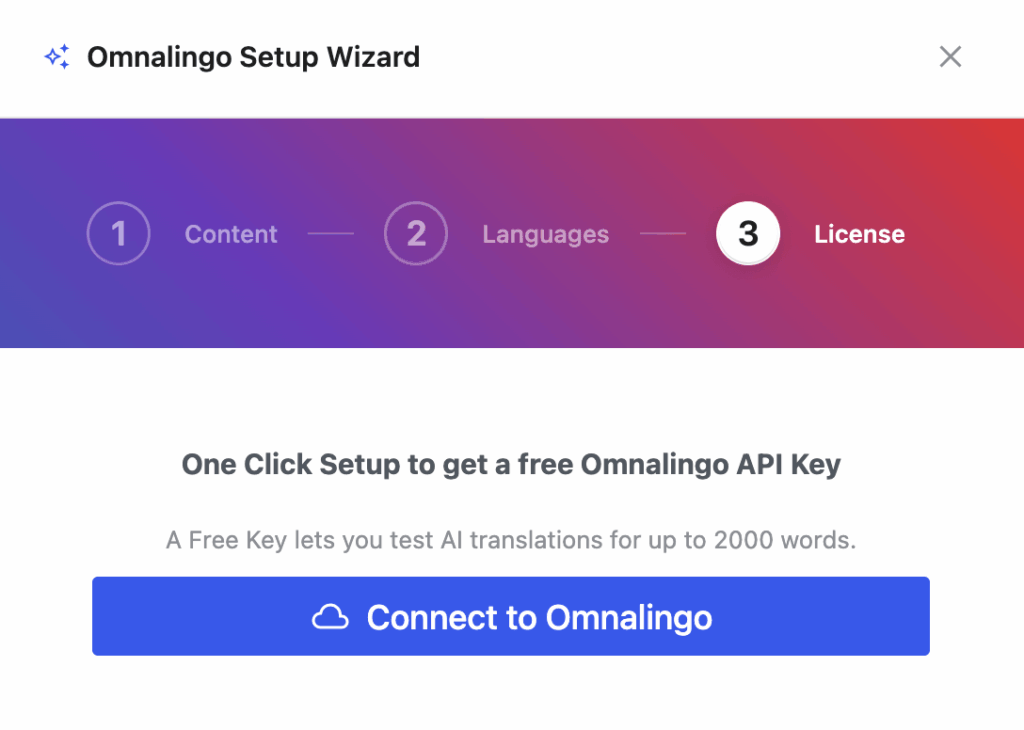
Try it without registering
One click issues a free key, so you can test AI translation on up to 2,000 words before you create an account anywhere.
No separate AI bill
The translation cloud is included — no OpenAI, Google or DeepL subscription to set up alongside it.
Translate once, done everywhere
Repeated text — your menu, footer, buttons — is stored a single time. Translate it once and every page that uses it is finished.
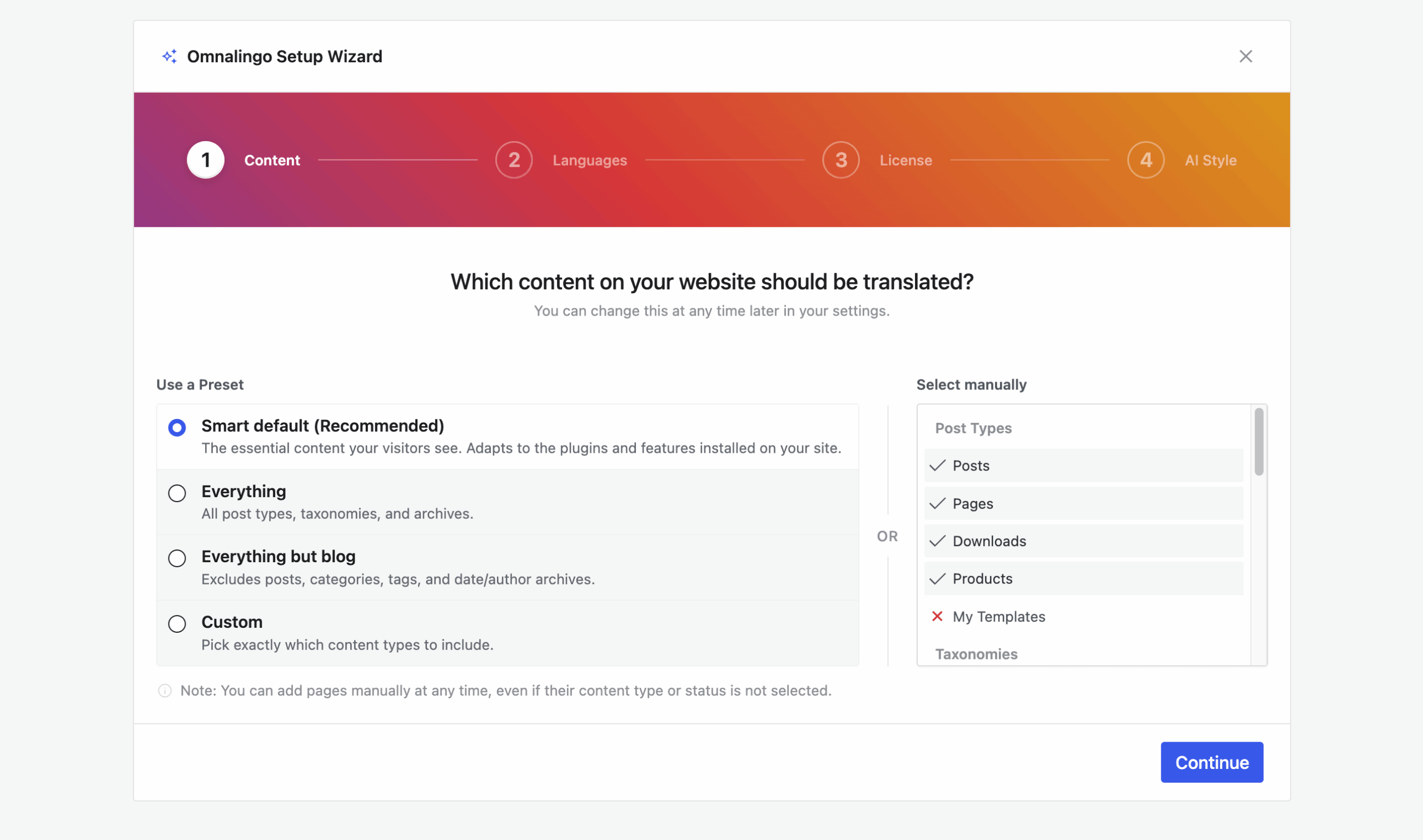
Presets for your content
Take a preset, or pick post types and taxonomies by hand if you want the control.
Any builder, no setup
Gutenberg, Elementor, Divi, Bricks — we read the finished HTML, so there's nothing to wire up.
No pages to duplicate
Nothing is copied or forked. Your original stays the single source.
Ready to go multilingual?
Try it now, it's free
Not sure if we can live up to the promise? Just try it. The free version is fully capable — download it and see for yourself.